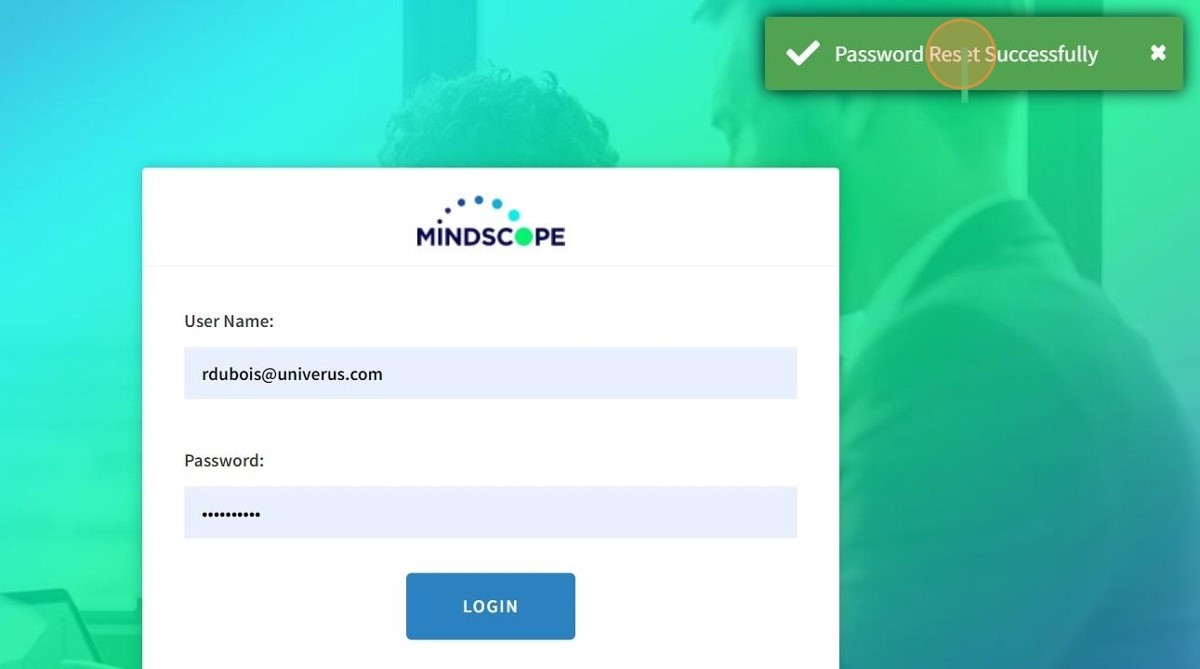
How to Reset Your Password
Reset Your Mindscope Password
- Navigate to your companies Mindscope URL
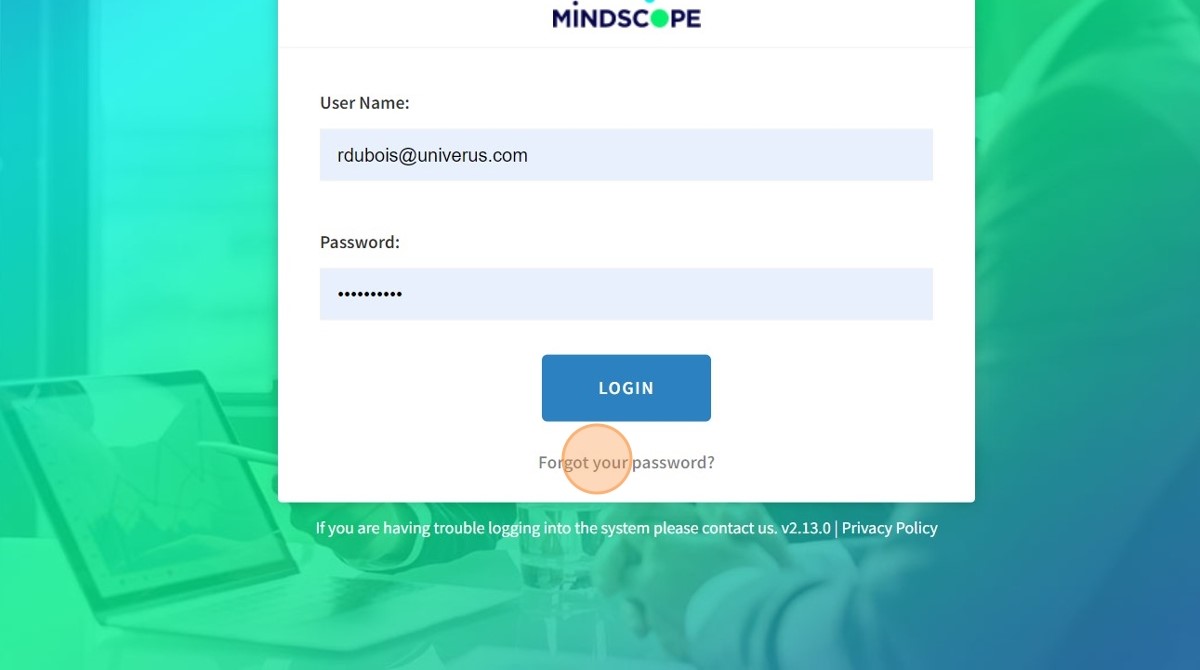
- Click "Forgot your password?"
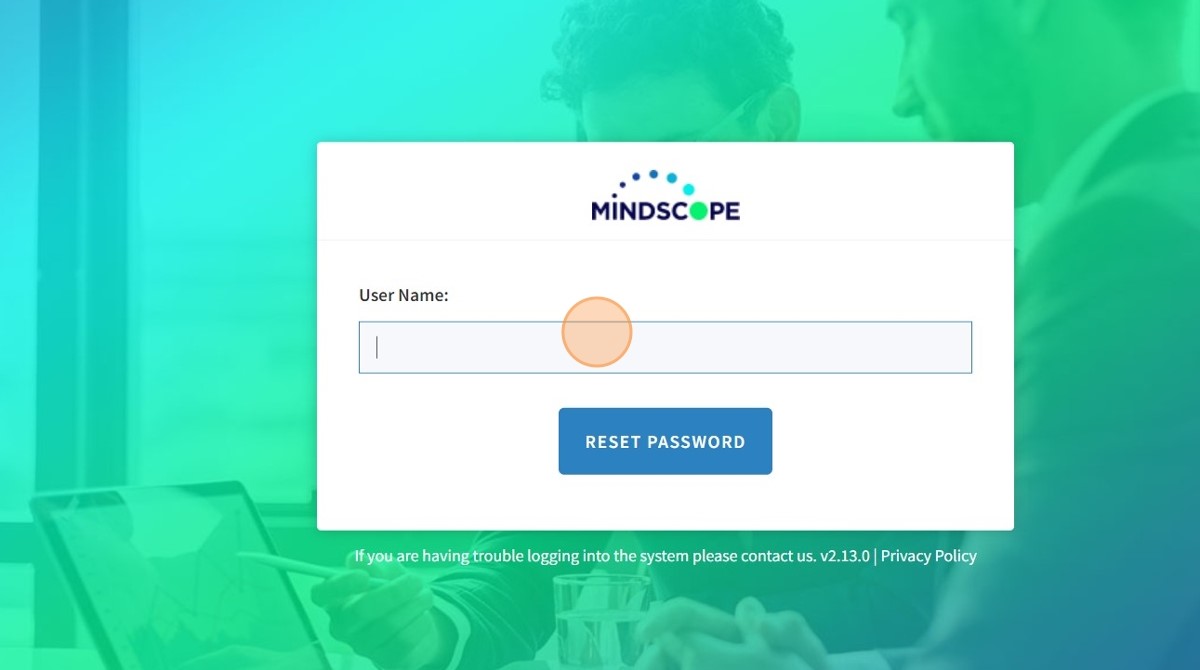
- Enter your User Name and click the Reset Password button
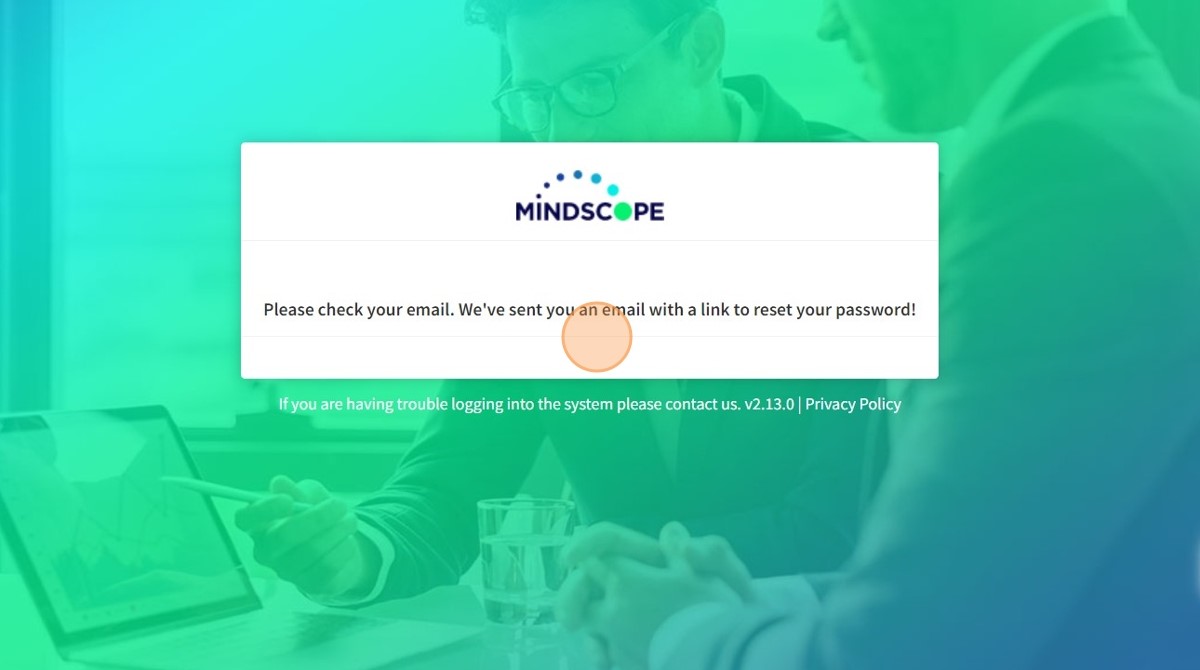
- Once you click the Reset Password button, you will be sent Password Reset instructions
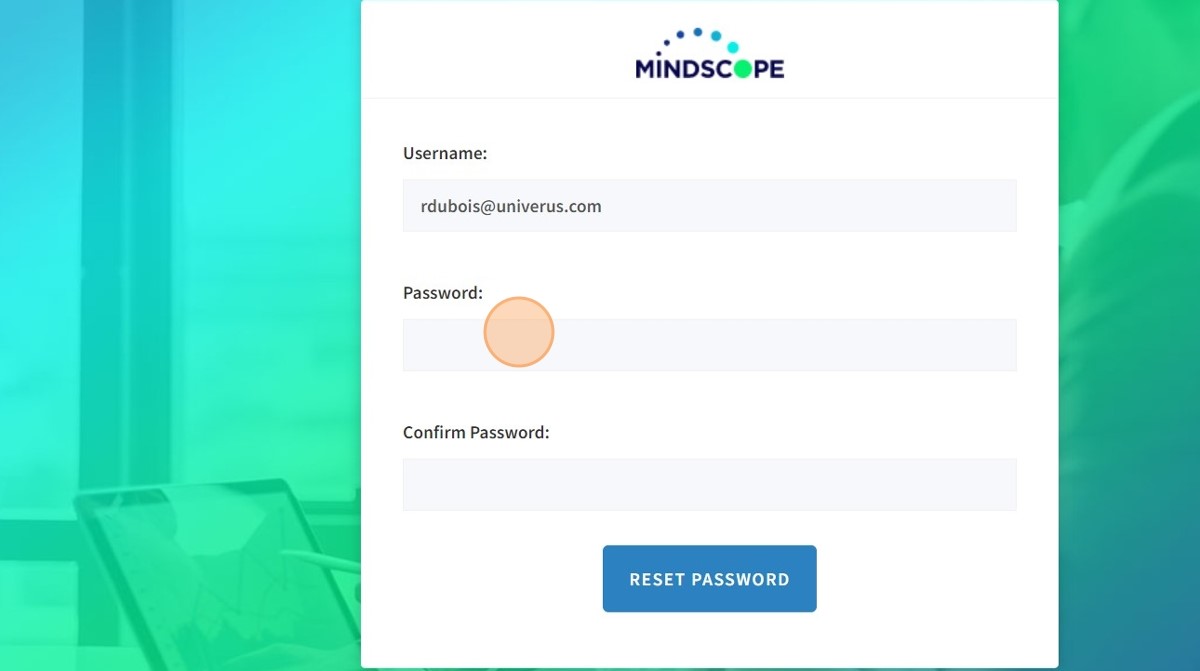
- Enter in your new Password and Confirm Password then click the Reset Password button
- You will then get a pop-up that says, Password Reset Successfully